If you operate a business in Japan, manage an expat team, or are flying into Tokyo, Osaka, or Kyoto for an international trade show, you have almost certainly encountered Raksul (ラクスル) — Japan's dominant online commercial printing marketplace.
Raksul is renowned throughout Japan for its low prices and extensive domestic printing network. However, international executives, startup founders, and foreign exhibitors quickly hit a major wall: Raksul operates exclusively in Japanese, with no English website, no English file proofing, and zero English customer support.
In this ultimate guide, we provide a 3,000+ word deep dive on how to navigate Raksul in English using browser translation tools, explain the technical risks of automated Japanese proofing, troubleshoot common error modals, provide a complete Japanese printing glossary, and demonstrate why Print Japan is the premier native English printing partner for foreign companies operating across Japan.
---
1. What is Raksul (ラクスル)?
Founded in Tokyo, Raksul (ラクスル株式会社) is a publicly traded Japanese e-commerce platform that connects buyers with hundreds of partner printing presses across Japan. By filling unused capacity at commercial printing facilities, Raksul offers competitive rates on high-volume print runs for:
- Flyers & Leaflets (チラシ・フライヤー)
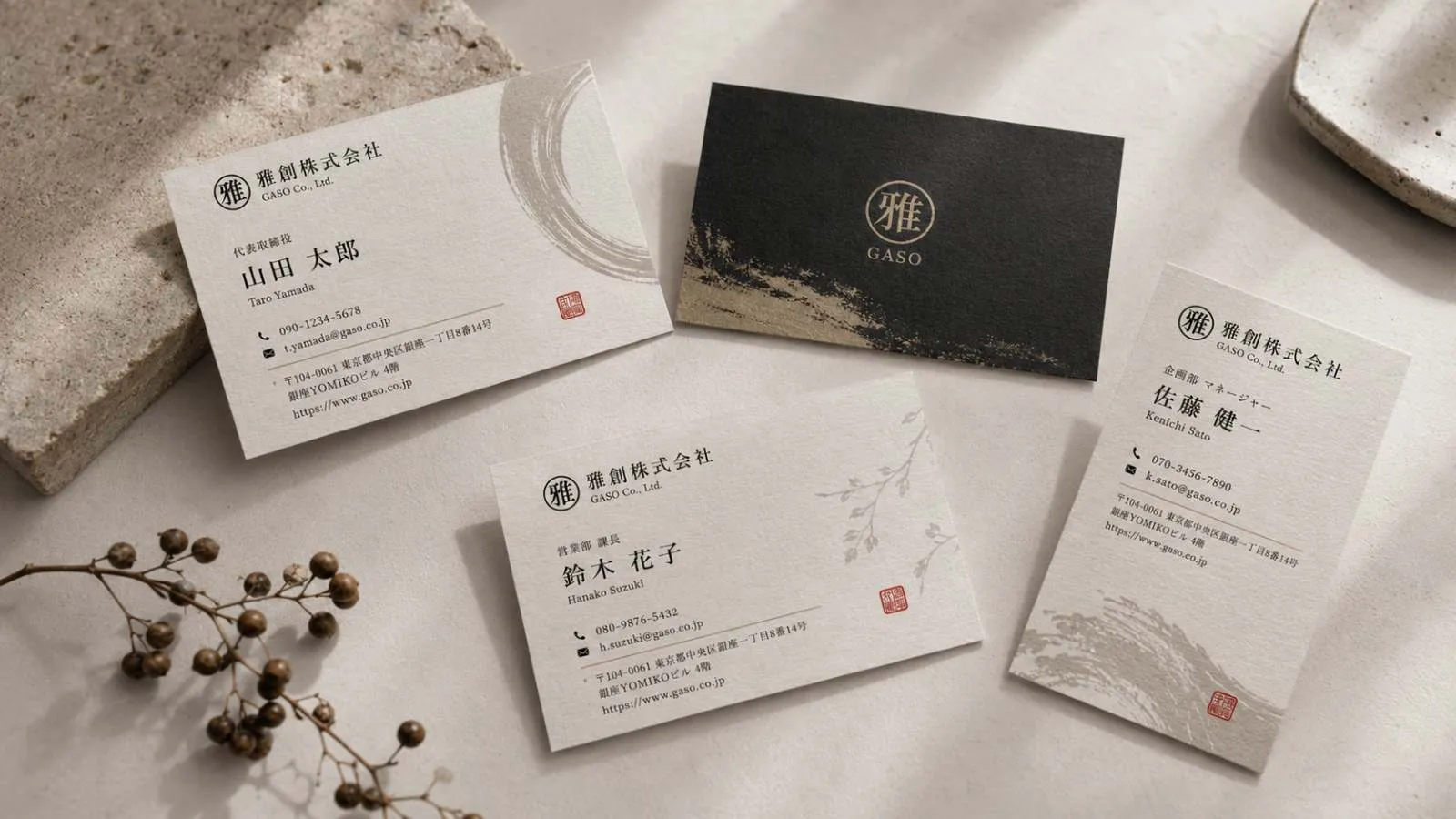
- Business Cards (名刺 - Meishi)
- Posters & Banners (ポスター・横断幕)
- Brochures & Booklets (冊子・パンフレット)
- Stickers & Decals (シール・ステッカー)
- Novelty & Promotional Goods (ノベルティ)
However, Raksul was designed strictly for the domestic Japanese market. Every step of the user journey — from registration to artwork upload, pre-flight error messages, invoicing, and delivery tracking — assumes native fluency in Japanese.
---
2. Step-by-Step Guide: How to Use Raksul in English
If you must order through Raksul, follow these steps using Google Chrome or DeepL extension tools to minimize ordering mistakes:
Step 1: Enable Automatic Page Translation
- 1Open Raksul (raksul.com) in Google Chrome or Microsoft Edge.
- 2Right-click anywhere on the screen and select "Translate to English".
- 3For technical terms, use the DeepL Chrome Extension to translate specific highlighted Japanese text blocks for higher accuracy.
Step 2: Navigating the Product Categories
Browser auto-translation often mistranslates Japanese printing jargon. Reference this translation key when searching the Raksul navigation menu:
| Japanese Category | Auto-Translated Name | Actual Product |
|---|---|---|
| :--- | :--- | :--- |
| チラシ・フライヤー | "Flyer / Flyer" | Single or double-sided flyers (A4, A5, B5) |
| 名刺 | "Namecard" | Standard Japanese business cards (91 × 55 mm) |
| 折パンフレット | "Folding Pamphlet" | Tri-fold & bi-fold marketing leaflets |
| 冊子・カタログ | "Booklet / Catalog" | Saddle-stitched or bound booklets |
| ポスター | "Poster" | Large format display posters (A1, B1, B2) |
| 横断幕・タペストリー | "Cross Banner / Tapestry" | Vinyl flex banners & fabric hanging displays |
| パネル・ポスター | "Panel / Poster" | Rigid foam board display panels (*Pana-board*) |
| シール・ステッカー | "Seal / Sticker" | Custom die-cut vinyl stickers and labels |
| 卓上カレンダー | "Table Calendar" | Desktop promotional calendars |
Step 3: Selecting Japanese Paper Stock & Ream Weight (*Kg*)
In Western countries, paper weight is measured in GSM (Grams per Square Meter). In Japan, commercial printers measure paper weight by the weight of 1,000 sheets of a standard master ream in kilograms (四六判 / kg).
If you select the wrong kilogram weight on Raksul, your flyers may arrive paper-thin or your business cards overly rigid. Use this conversion chart:
| Japanese Weight (kg) | Western GSM Equivalent | Best Used For |
|---|---|---|
| :--- | :--- | :--- |
| 73kg | ~85 GSM | Newspaper inserts, budget mass-flyers |
| 90kg | ~104 GSM | Standard corporate flyers & letterhead |
| 110kg | ~128 GSM | Premium brochures, product datasheets |
| 135kg | ~157 GSM | Heavy flyer covers, tri-fold pamphlets |
| 180kg | ~209 GSM | Standard business cards, postcards |
| 220kg | ~256 GSM | Premium executive business cards |
| 260kg | ~300 GSM | Heavy luxury business cards & covers |
Step 4: Uploading Artwork & Handling Japanese Automated Pre-Flight (*データ入稿*)
Raksul uses an automated PDF proofing bot (*スピードデータ入稿*). When you upload your artwork file, the system checks resolution, dimensions, and font settings.
- Red Alert Modals: If your file uses US Letter (8.5 × 11 inches) instead of Japanese ISO A4 (210 × 297 mm), or lacks 3mm bleed, red popups appear in Japanese.
- The Danger: Auto-translators often translate "Bleed missing" as "Data successfully converted". If you click the blue approval button (*確認して注文確定*), Raksul prints your file as-is, resulting in white borders, stretched images, or cut-off text.
Step 5: Checkout & Japanese Address Formatting
Raksul requires address input in Japanese kanji/kana formats (*Zip code auto-fill*). Additionally, non-Japanese corporate credit cards often fail 3D Secure verification on Raksul due to domestic Japanese merchant category restrictions.
---
3. Japanese Printing Terminology Glossary (日本語印刷用語)
Understanding Japanese printing vocabulary is crucial when attempting to order on domestic Japanese platforms. Here is an essential 20-term glossary:
| Japanese Term | Romaji | English Translation & Technical Meaning |
|---|---|---|
| :--- | :--- | :--- |
| 名刺 | Meishi | Japanese standard business cards (91 × 55 mm) |
| チラシ | Chirashi | Promotional flyers or marketing handbills |
| 両面カラー | Ryoumen Color | Full-color double-sided printing (4/4) |
| 片面カラー | Katamen Color | Full-color single-sided printing (4/0) |
| 塗りたし | Nuritashi | Artwork bleed (Standard Japanese requirement is 3mm) |
| トンボ | Tonbo | Crop marks / Trim marks for cutting alignment |
| コート紙 | Coat-shi | Gloss coated paper (smooth, reflective finish) |
| マット紙 | Matt-shi | Matte coated paper (glare-free, elegant finish) |
| 上質紙 | Joushitsu-shi | Uncoated offset paper (easy to write on with pen) |
| 斤量 / 重さ | Kinryou / Omesa | Paper ream weight in kilograms (kg) |
| データ入稿 | Data Nyukou | Artwork file submission / pre-flight upload |
| アウトライン | Outline | Font outlining / converting text to vector paths |
| 解像度 | Kaizoudo | Image resolution (Minimum 300 DPI required) |
| 防炎 | Bōen | Certified flame-retardant (Required for trade show banners) |
| 発注 | Hachuu | Order placement / purchase confirmation |
| 納品先 | Nouhinsaki | Delivery shipping destination address |
| 請求書 | Seikyuushou | Invoice / Billing statement |
| 領収書 | Ryoushushou | Official Japanese payment receipt |
| 短納期 | Tannouki | Express / Rush turnaround option |
| 校正 | Kousei | Pre-press proofing / digital review proof |
---
4. Troubleshooting Raksul Errors & Modal Alerts
When uploading print files or checking out on Raksul, non-Japanese speakers frequently encounter four major system blocks:
Block 1: "サイズ不一致" (Size Mismatch Alert)
- Cause: Your PDF file was exported in US Letter (215.9 × 279.4 mm) or European A4 without Japanese margins, but you selected Japanese ISO A4 (210 × 297 mm) on Raksul.
- Raksul Behavior: The automated bot attempts to auto-crop or stretch your file, cutting off outer text or leaving blank white gaps.
- The Fix: Re-export your artwork from Illustrator or Canva in exact Japanese ISO A4 dimensions (210 × 297 mm) with 3mm bleed on all sides before re-uploading.
Block 2: "フォント未アウトライン" (Un-outlined Font Error)
- Cause: Your PDF contains active font files rather than vector outlined shapes.
- Raksul Behavior: If the printing press lacks your exact font files (e.g. specialized Western fonts), Raksul's system will substitute generic Japanese system fonts (like MS Gothic), ruining your brand typography.
- The Fix: In Adobe Illustrator, select all text (`Ctrl+A` or `Cmd+A`) and click Type > Create Outlines (`Ctrl+Shift+O` / `Cmd+Shift+O`) before exporting to PDF/X-1a.
Block 3: "RGBカラーモード検出" (RGB Color Mode Warning)
- Cause: Your artwork uses RGB screen colors instead of CMYK print colors.
- Raksul Behavior: Raksul automatically converts RGB to CMYK without human review, causing bright neon colors (especially electric blues and greens) to appear dull and muddy in print.
- The Fix: Set your document color mode to CMYK in Photoshop or Illustrator before starting your design.
Block 4: Credit Card Payment Failure (3D Secure Lock)
- Cause: Raksul's payment gateway (VeriTrans / 3D Secure 2.0) requires strict Japanese card issuer validation.
- The Fix: Overseas corporate credit cards from US, European, or Asian banks frequently fail. You must either use a domestic Japanese credit card, pay via Japanese bank transfer (*Furikomi*), or switch to Print Japan which accepts international cards seamlessly via Stripe.
---
5. Exhibition & Event Delivery Restrictions on Raksul
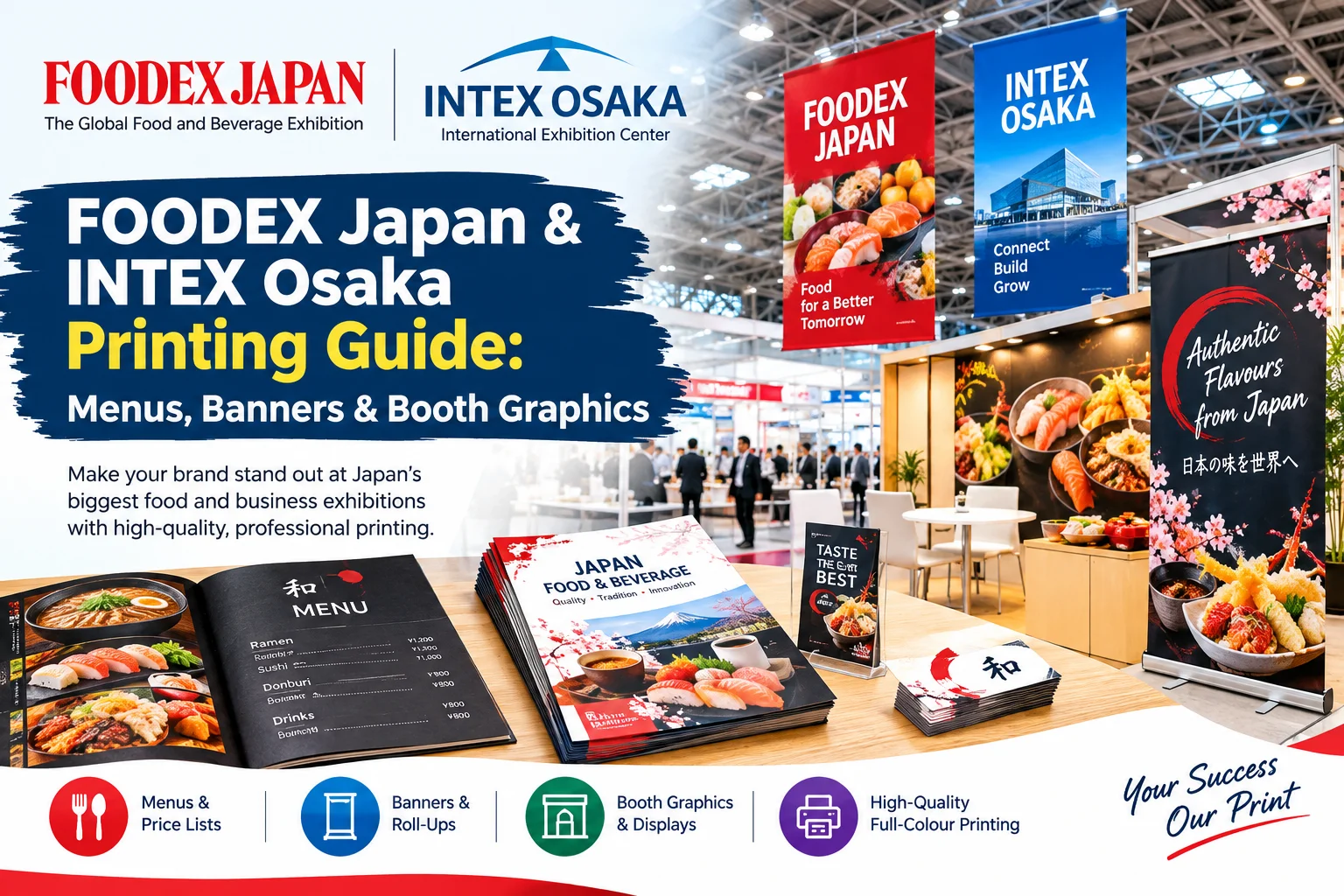
For international companies exhibiting at Tokyo Big Sight, Makuhari Messe, or INTEX Osaka, Raksul poses severe logistical challenges:
- 1No Hall or Booth Number Delivery: Raksul ships via standard Yamato or Sagawa postal couriers. These couriers drop pallets at the central venue receiving dock or security gate — they will not walk your boxes down hall corridors to your individual booth number.
- 2Missing Flame-Retardant Certification (防炎 - Bōen): Japanese Fire Service Law strictly mandates that all large banners, fabric backdrops, and wall displays hanging inside exhibition halls carry official *Bōen* flame-retardant certification tags. Standard cheap Raksul banners do not include this tag, risking booth closure by venue safety inspectors.
- 3No Setup Day Coordination: Trade show setup days (*Kouji-bi*) have strict 2-hour delivery windows. Standard courier shipping cannot guarantee delivery within specific 2-hour setup slots.
---
6. Head-to-Head Comparison: Raksul vs. Print Japan
| Feature / Capability | **Raksul (ラクスル)** | **Print Japan** |
|---|---|---|
| :--- | :--- | :--- |
| Interface & Ordering Language | ❌ 100% Japanese | 100% Native English |
| Customer Support Channel | ❌ Japanese web form | Instant WhatsApp (+81 80-9062-3586) & Email |
| Artwork Pre-Flight Verification | ❌ Automated Japanese bot | Human designer pre-flight check (Free) |
| US Letter to ISO A4 Auto-Conversion | ❌ System rejects or distorts | Included Free |
| Japanese Business Card (Meishi) Size | 91 × 55 mm | 91 × 55 mm with Bilingual EN/JA Layout |
| Trade Show Direct Booth Shipping | ❌ Street address only | Guaranteed Hall & Booth Number Delivery |
| Pre-Arrival Hotel Front Desk Holding | ❌ Not supported | Guaranteed Hotel Front Desk Holding |
| Accepted Payment Methods | ⚠️ Japanese CC / Bank Transfer | Stripe, Visa, Mastercard, Amex, USD & JPY |
| Turnaround Options | 3–7 Business Days | 2–4 Days Standard, 24h Rush & Same-Day Pickup |
---
5. The Solution: Why Foreign Teams Switch to Print Japan
If you want the speed and quality of Japanese commercial printing without language barriers or technical risk, Print Japan is built specifically for international businesses, foreign founders, and overseas exhibitors.
Key Advantages of Print Japan:
- 1Human Pre-Flight Review (Zero Bot Rejections): Send your print files in PDF, AI, PSD, or Canva format. Our English-speaking pre-press team manually reviews resolution (300 DPI), CMYK color profiles, and bleed margins before going to press.
- 2**Japanese Business Card Perfection (*Meishi Koukan*): We print business cards at official Japanese 91 × 55 mm** dimensions on premium 220kg–260kg matte cardstock, complete with native Japanese translation and furigana phonetics. Learn more on our Business Card Printing page.
- 3Direct Booth & Hotel Delivery: We ship directly to your exhibition booth at Tokyo Big Sight, Makuhari Messe, INTEX Osaka, Pacifico Yokohama, or to your hotel front desk before you land in Japan. See our Pre-Arrival Printing Guide for details.
- 4Instant WhatsApp Support: Need quick updates or rush 24-hour printing? Chat directly with our team on WhatsApp at +81 80-9062-3586 for responses within minutes.
---
6. How to Order Your Printing in English Today
- 1Submit Your Specs or Artwork: Upload your design files via our Online Quote Form or message us directly on WhatsApp.
- 2Review Digital Proofs in English: We verify your layout, adjust bleed, and provide an all-inclusive JPY or USD quote within 4 business hours.
- 3Guaranteed In-Japan Delivery: We print locally in Tokyo and Kansai, delivering straight to your office, hotel, or trade show hall.
*Skip the translation headache. Get an instant English printing quote from Print Japan today!*
---
Related Product Pages & Guides:
- Business Card Printing in Japan (Meishi) — Japanese standard 91×55 mm bilingual business cards
- Flyer & Leaflet Printing in Japan — Bulk A4, A5, B5 promotional flyers
- Roll-Up Stand Banners — Portable trade show banners for exhibition halls
- Same-Day Printing Tokyo — Emergency 24-hour printing and pickup in Tokyo
- Trade Show Printing at Tokyo Big Sight — Venue delivery guide for Tokyo Big Sight
Need to print in Japan?
Get an instant quote or message us on WhatsApp. Everything handled in English.