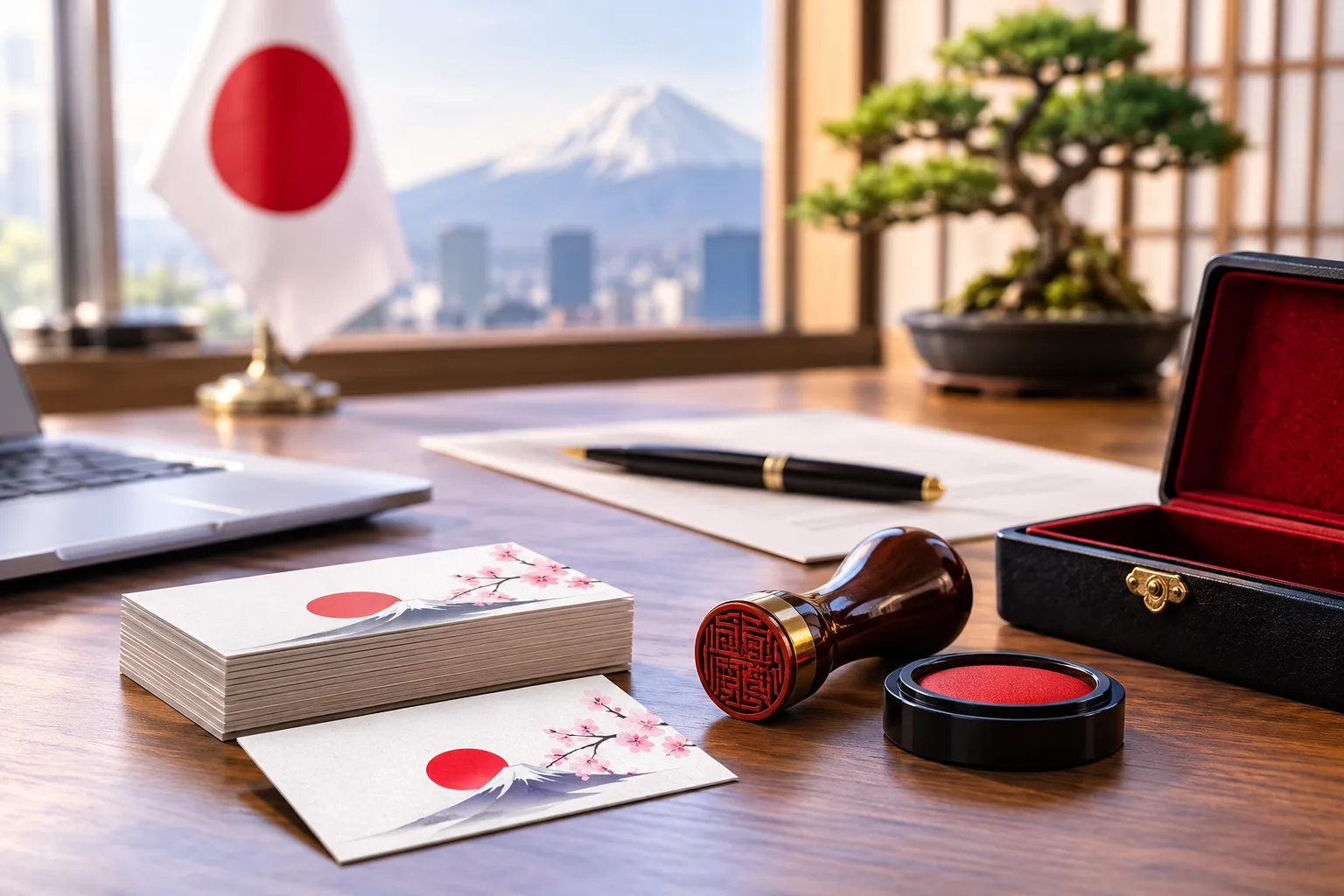
Business cards have been central to professional life in Japan for generations. Anyone who has worked here knows the small rituals that surround the *meishi* (名刺) exchange — presenting a card with both hands, reading it carefully before putting it away, treating it as a respectful extension of the person you just met.
That culture of respect around business cards isn't going anywhere. But the way information moves after the exchange is evolving fast. A growing number of professionals — from consultants, executives, and real estate agents to hotel operators and international business owners — are adding NFC technology to their printed cards, so that a simple tap can share a website, a LinkedIn profile, or a full digital contact page.
This article explains what NFC business cards actually are, how the technology works, and how they compare with traditional cards and QR-code cards. We'll also look at where NFC business cards fit within Japan's business card culture, and how Print Japan can help you create one.
What Is an NFC Business Card?
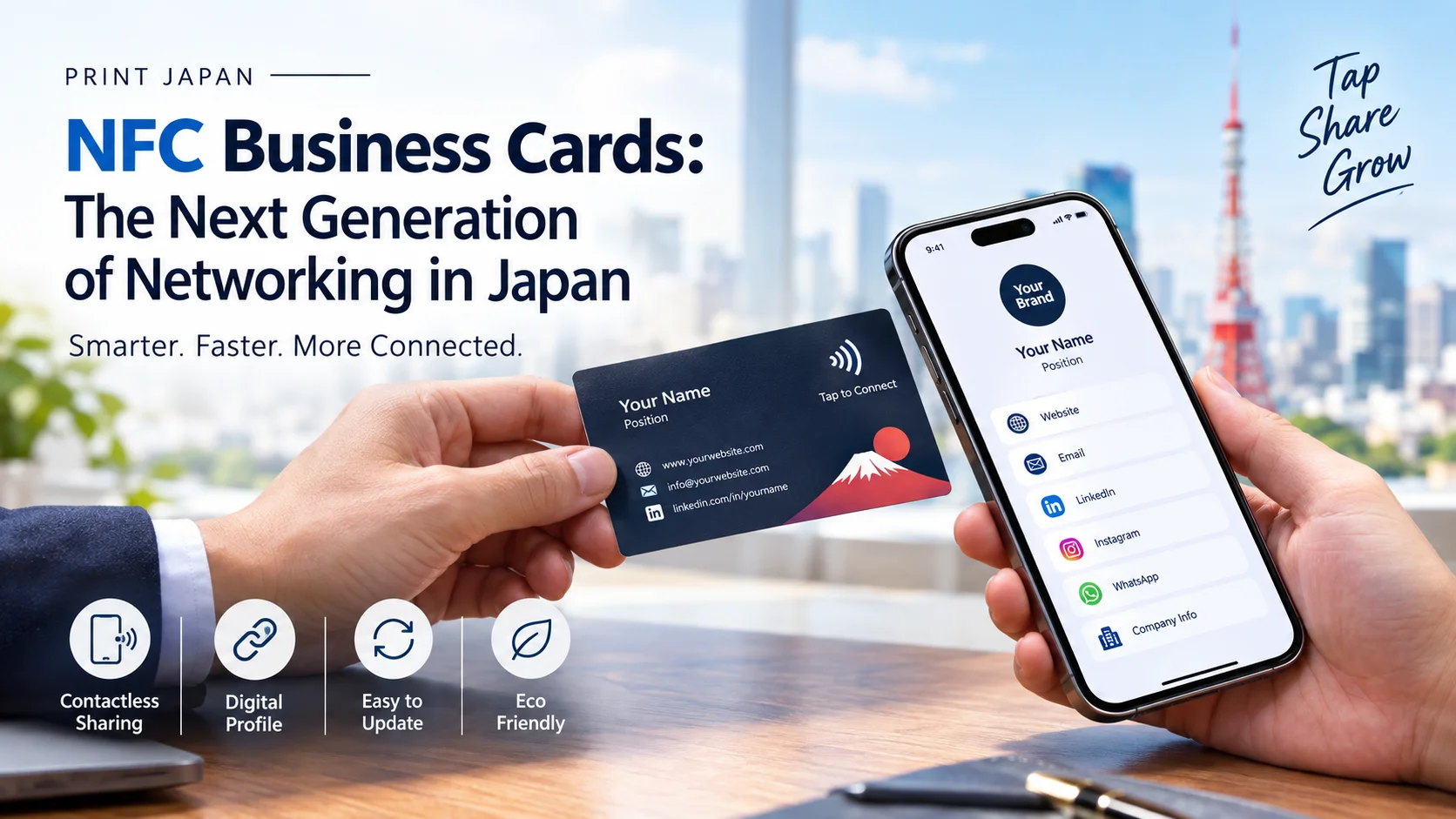
An NFC business card is a standard-looking printed card with a small NFC chip (sometimes called an NFC tag or inlay) embedded inside it. From the outside, it looks and feels like any other high-quality printed Japanese business card. The difference is on the inside: a thin chip and antenna, thinner than a coin, sit invisibly within the card material.
When someone taps a compatible smartphone against the card, the chip transmits a small piece of information — usually a web link — to the phone, which then opens automatically. That link might lead to:
- A digital business card or contact profile
- A company website
- A LinkedIn or social media profile
- A booking page or multilingual information page
In short, an NFC business card keeps the familiar physical exchange of a printed card, while adding a fast digital bridge to more information than a physical card alone can hold.
How NFC Business Cards Work
To understand NFC business cards without the jargon, it helps to break the technology into three parts:
What NFC Means
NFC stands for Near Field Communication, a short-range wireless technology that allows two devices — in this case, a chip and a smartphone — to exchange a small amount of data when they are held close together, typically within a few centimeters.
What the NFC Chip Actually Does
The chip embedded in the card is a small, passive component. It has no battery and does not actively transmit anything by itself. Instead, it draws a tiny amount of power from the smartphone's own NFC reader during the tap, just long enough to send its stored data.
There are two general ways this data can be used:
- 1Storing information directly on the chip: Some NFC tags can hold small amounts of data, such as a plain text contact card (a vCard), directly on the chip itself.
- 2Using the chip to open a URL: More commonly for business cards, the chip is programmed to instruct the phone to open a specific web link — for example, a digital profile page hosted online.
The second approach (chip-to-URL) is generally more flexible, because the actual content lives on a webpage rather than being locked onto the chip.
NFC Compatibility Considerations
Most modern smartphones, including recent iPhone and Android models, include NFC hardware natively. However, compatibility considerations include:
- Very old or budget smartphone models may not include an NFC chip.
- On some Android phones, NFC needs to be manually enabled in settings.
- Reading distance and reliability can vary slightly between phone models and card materials.
Because of this, it's inaccurate to claim that NFC "works on every phone." A responsible NFC business card strategy accounts for the possibility that not every recipient will be able to tap the card immediately — which is why many businesses pair NFC with a QR code as a backup.
NFC Business Cards vs. Traditional Business Cards
Traditional printed business cards remain genuinely useful in Japan, particularly for the formal first-meeting exchange that is such an established part of business etiquette. NFC cards don't replace that; they extend it.
| Feature | Traditional Business Card | NFC Business Card |
|---|---|---|
| Physical exchange | Yes | Yes |
| Cultural fit for meishi exchange | Strong | Strong (looks and behaves the same) |
| Information capacity | Limited to printed text | Can link to a full digital profile |
| Updating contact details | Requires reprinting | Can be updated online without reprinting |
| Sharing multiple links (site, LinkedIn, portfolio) | Difficult | Straightforward |
| Requires recipient's phone support | No | Yes, for the NFC tap function |
| Manual data entry for recipient | Often required | Reduced, since tapping opens the link automatically |
The practical takeaway: an NFC card doesn't ask you to choose between "digital" and "physical." It's a printed business card first, with a digital layer added for convenience.
Example: A salesperson hands over their card at the end of a meeting. Instead of the recipient typing out a website address or searching for a company name later, they simply tap the card with their phone, and the salesperson's digital contact profile opens immediately.
NFC vs. QR-Code Business Cards
QR codes have become a familiar sight on Japanese business cards, restaurant menus, and payment terminals, so it's natural to ask how NFC compares.
QR-code business cards work by printing a scannable code on the card. The recipient opens their phone's camera or a QR scanning app, points it at the code, and is taken to a linked page.
NFC business cards skip the scanning step. The recipient taps the card against their phone, and — if NFC is enabled — the link opens automatically, without needing to open a camera app first.
| Aspect | QR Code | NFC |
|---|---|---|
| Action required | Open camera/scanner app, align, scan | Tap the card |
| Device requirement | Camera, works on nearly all smartphones | Requires NFC hardware, sometimes needs enabling |
| Visual space on card | Takes up printed space | Invisible embedded chip, no visual footprint |
| Reliability in poor lighting | Can be affected by glare or angle | Not affected by lighting |
| Best used as | Primary or backup method | Primary method, ideally with a QR backup |
Neither method is strictly "better" in every situation — they solve the same problem in different ways.
Why Combine NFC and QR Codes?
Because NFC compatibility and settings vary between phones, many businesses design their cards with both an NFC chip and a small printed QR code. This way:
- If the recipient's phone supports NFC and has it enabled, they simply tap.
- If not, they can scan the QR code instead and reach the exact same digital profile.
This combination approach avoids the risk of a card being unusable simply because someone's phone settings don't cooperate on that particular day. It's a small design choice that removes a lot of uncertainty.
What Information Can an NFC Business Card Share?
Because the chip typically opens a link to an online profile rather than being limited to what fits on a printed card, an NFC business card can point to a page containing:
- Full name, job title, and company name
- Phone number and email address
- Company website and portfolio
- LinkedIn or other professional social profiles
- A short company or personal introduction
- Portfolio samples, product catalogs, or service menus
- Booking or reservation links (useful for hotels, restaurants, and tourism businesses)
- Multilingual versions of the same profile (e.g., Japanese and English)
The card itself stays simple and professional. The depth of information lives on the linked page, which the business controls.
Who Should Use NFC Business Cards?
NFC business cards tend to be a great fit for people who regularly meet new contacts and want to make it easy for those contacts to follow up:
- Sales professionals, who benefit from prospects being able to instantly access a portfolio or product page.
- Entrepreneurs and startup founders, who often want to share multiple links (website, deck, social channels) from a single card.
- Freelancers and consultants, who can direct new contacts to a portfolio or booking page without a second business card redesign every time their offerings change.
- Real estate professionals, who can link directly to property listings or a booking calendar.
- Hotel and tourism businesses, who can connect guests to a booking page, multilingual property information, or social media.
- Event organizers, who often need to share several pieces of information (schedule, registration, sponsor pages) at once.
- International businesses operating in Japan, who benefit from being able to present both Japanese and English information clearly.
For related guidance on bilingual card etiquette in Japan, read our guide on how to write a bilingual business card that works in Japan and tategaki vertical business cards.
NFC Business Cards for International Businesses in Japan
Japan's business environment includes a large number of international companies, foreign entrepreneurs, and professionals who regularly work across language lines. For this audience, NFC business cards offer a practical advantage: a single card can lead to a bilingual digital profile, rather than needing separate Japanese and English printed cards for every situation.
Example: A bilingual business owner in Japan has an NFC card that, when tapped, opens a digital profile available in both English and Japanese — including their website, email, LinkedIn, and company overview. A Japanese client and an overseas client can tap the same card and each see the profile in their preferred language.
This is particularly useful for professionals who move between different business contexts in the same week — a Japanese client meeting in the morning, an international video call in the afternoon, and an industry networking event in the evening.
NFC Business Card Security and Privacy
Any technology that shares data wirelessly, even briefly and at close range, deserves a fair, honest look at its privacy and security considerations:
- Short range: NFC has a very short range, typically a few centimeters, which limits the ability for someone to intercept a tap from a distance.
- Controlled data: What the chip shares is limited to what you program it to share. A well-designed NFC business card generally points to a link, rather than transmitting sensitive personal data directly from the chip.
- Passive operation: The chip is passive, meaning it doesn't broadcast information on its own; it only responds when actively read by a compatible device brought close to it.
- Webpage security: As with any technology, security depends on how it is set up — for example, ensuring the destination webpage itself uses secure HTTPS protocol.
For most professional networking purposes, the privacy profile of an NFC business card is similar to sharing a website link on a printed card or verbally.
Can NFC Business Cards Be Updated?
This depends on how the card is set up:
- Static destination: The chip is programmed once with a fixed link or fixed data, and that's what it will always deliver. If your contact details change, the physical card may need to be reprogrammed or replaced.
- Editable / dynamic destination: The chip points to a link (such as a short redirect URL) where the destination page can be updated independently. In this setup, you can change your phone number, add a new social profile, or update your job title on the linked page — without needing a new physical card — because the chip itself never changes, only the content behind the link does.
Not every NFC card setup includes an editable destination by default, so it's worth clarifying this when ordering your cards.
How to Design a Professional NFC Business Card
A good NFC business card should still function as a well-designed, professional printed card on its own — the NFC feature is a bonus, not a replacement for solid design fundamentals:
- 1Keep the printed layout clean: Name, title, company, and key contact details should still be legible at a glance, since not everyone will tap the card immediately.
- 2Consider bilingual layouts: For businesses working with both Japanese and international clients, a Japanese/English bilingual card design keeps the card useful in either context.
- 3Add a small NFC or QR indicator: A subtle icon or short instruction ("Tap for details" or "スキャンでご案内") helps recipients understand there's more to explore.
- 4Choose card material thoughtfully: Premium paper stocks or PVC/metal materials work best for embedding an NFC chip without affecting durability or the feel of the card.
- 5Test the tap before bulk production: Confirming that the chip reliably opens the intended link is an essential step before a full print run.
How Print Japan Can Help With NFC Business Cards
If you're considering adding NFC to your business cards in Japan, the printing side of the process matters as much as the technology itself. Print Japan is a commercial printing service that works with businesses, entrepreneurs, and professionals across Japan — providing full English-friendly support throughout the entire process.
Print Japan can assist with:
- Custom business card printing tailored to your brand
- Professional, polished layout and typesetting support
- Japanese/English bilingual card designs
- NFC-enabled business cards with embedded tags
- QR-code backup options alongside NFC
- Fast delivery to your office, hotel, or venue in Tokyo, Osaka, and nationwide
Whether you're a solo consultant who wants a single bilingual card that works for every meeting, or a company preparing NFC cards for an entire sales team, Print Japan can help translate your requirements into a finished, professional product.
*Ready to modernize your networking without losing the personal touch of a printed card? Request a Quote or message Print Japan on WhatsApp to discuss your custom NFC business card project.*
Related products and guides:
- Business Card Printing in Japan — standard 91×55 mm meishi, premium paper stocks & finishes
- How to Write a Bilingual Business Card That Works in Japan — formatting rules and furigana
- Tategaki Business Cards Guide — vertical Japanese meishi layouts
- Foreign Entrepreneur Japan Print Checklist — essential printed materials for businesses in Japan
Need to print in Japan?
Get an instant quote or message us on WhatsApp. Everything handled in English.